

Most thermal inspections measure radiation from a visible surface rather than seeing through structures.
Product & Category Insights
Thermal Drone Inspection in 2026: 7 Mistakes That Make Infrared Data Misleading
2026-09-07By HUIN Team
Thermal drone images can be misleading when emissivity, reflection, distance, weather and temperature range are ignored. Learn 7 thermal inspection mistakes and how professional teams avoid them.
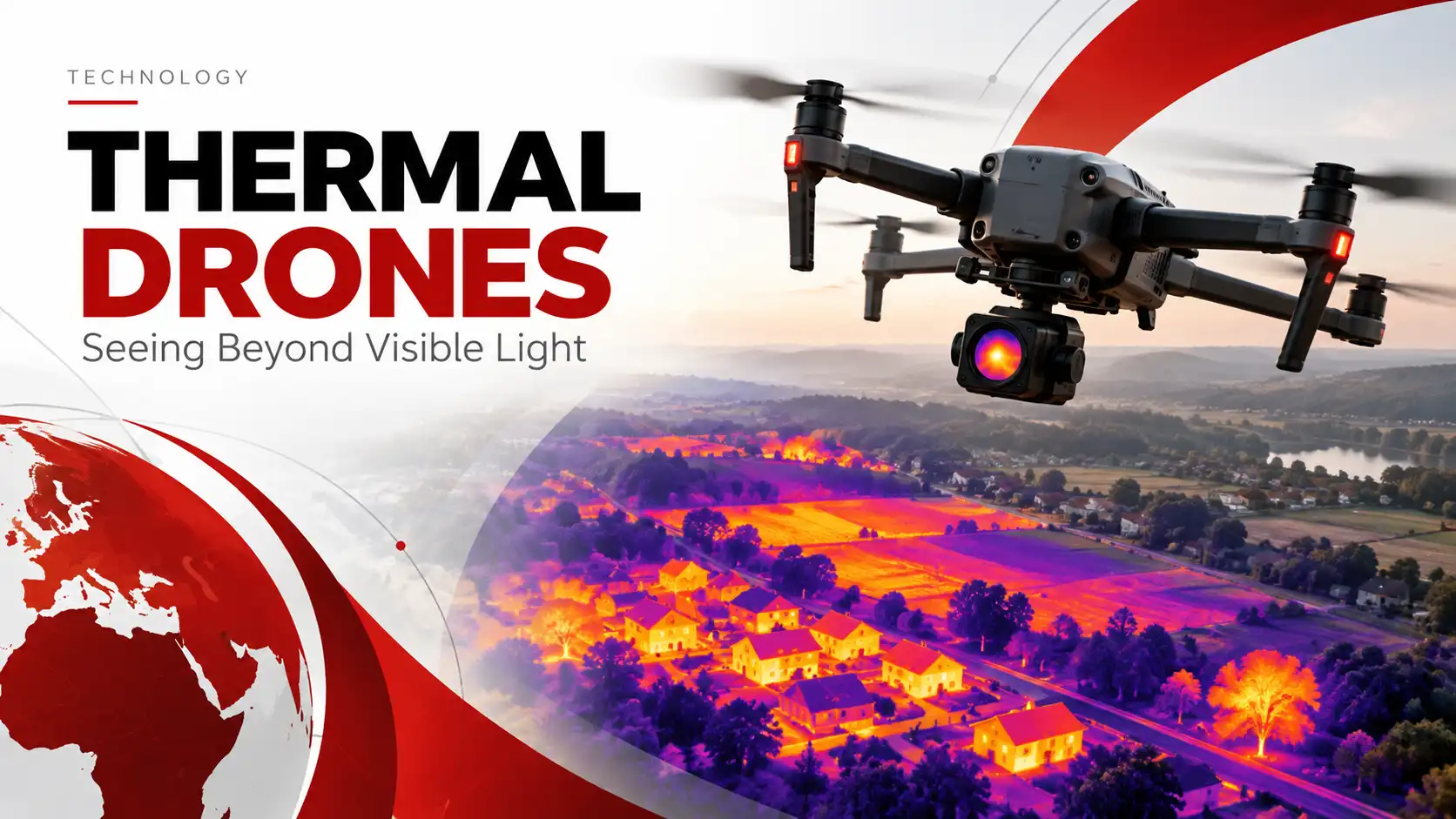
2026 Thermal Drone Inspection Guide
Thermal Images Look Simple. Interpreting Them Correctly Is Not.
Professional thermal drones can reveal temperature patterns that normal cameras cannot see. But without understanding infrared measurement, a convincing thermal image can still lead to the wrong inspection conclusion.
Executive Summary
Thermal drones are highly effective screening tools, but their readings can be influenced by surface properties, reflections, viewing geometry, distance, environmental conditions and camera configuration.
Reflective materials may display infrared energy coming from their surroundings rather than only their own temperature.
Small defects require enough detector pixels to remain distinguishable and measurable.
Thermal imagery helps locate abnormal areas but does not always reveal the underlying failure mechanism.
A Bright Hotspot Is Not Automatically a Defect
Thermal drones are increasingly used for solar farms, electrical infrastructure, industrial facilities, roofs, pipelines and emergency response.
They allow inspection teams to detect temperature differences that may be invisible in a normal RGB image.
But thermal imagery is also easy to overinterpret.
A bright object does not automatically mean the component is dangerously hot, and a dark object does not necessarily mean it is cold.
The Key Principle A thermal camera responds to infrared radiation reaching the sensor. Correct interpretation requires understanding why that radiation appears different.
Surface emissivity, reflections, distance, viewing angle, weather, target size, operating load and camera settings can all influence an inspection result.
The real value of a thermal drone therefore comes from producing repeatable and interpretable data — not simply colorful infrared images.
Assuming a Thermal Camera Can See Through Objects
One of the most common misconceptions is that a thermal camera works like an X-ray device.
In most practical inspections, it does not see through walls, roofs, concrete or metal panels.
Instead, the camera detects infrared radiation from the surface visible to the sensor.
Consider a roof with moisture trapped beneath a membrane.
The camera usually does not directly detect the water itself. Moisture may instead change the way the roof absorbs, stores and releases heat, producing an unusual surface-temperature pattern.
Thermal inspection usually reveals surface evidence of a hidden condition — not the hidden object itself.
That difference matters when writing inspection reports.
Rather than stating:
“There is water underneath this roof.”
A more defensible conclusion would be:
“This area displays an abnormal thermal pattern consistent with possible moisture intrusion and should be investigated further.”
Ignoring Emissivity and Reflected Heat
Two objects at the same physical temperature can look different on a thermal image.
A major reason is emissivity — the ability of a surface to emit infrared radiation.
Painted, oxidized and many non-metallic surfaces generally behave differently from highly reflective materials such as polished metals.
A reflective surface can show infrared radiation originating from:
- The sky
- Nearby machinery
- Buildings
- The sun
- Other hot components
This creates a dangerous inspection error:
Reflected infrared energy can be mistaken for a genuine hotspot.
A Better Verification Process
- Change the viewing angle.
- Compare the target with similar nearby components.
- Review the visible-light image.
- Confirm the equipment operating condition or load.
- Repeat the measurement when necessary.
If a suspected hotspot moves or changes substantially when the viewing angle changes, reflection may be contributing to the result.
Flying Too High and Expecting Small Defects to Remain Visible
Thermal detector resolution matters because every target is represented by a finite number of thermal pixels.
As flight distance increases, a small component occupies fewer pixels.
The target occupies more detector pixels, which generally improves the ability to distinguish local temperature differences.
More area can be covered quickly, but small defects become less distinct and may be harder to measure reliably.
Imagine inspecting:
- A small electrical connector
- An individual photovoltaic cell
- A narrow pipe joint
- A small mechanical bearing
At short distance, these targets may occupy enough pixels to show meaningful temperature contrast.
At long distance, the same object may occupy only a small number of detector pixels and its temperature can become mixed with the surrounding background.
Choose inspection distance based on the smallest defect you need to detect — not only the amount of area you want to cover.
This creates a basic mission-planning trade-off:
Higher altitude = faster coverage
Lower altitude = better small-target detail
Using the Wrong Temperature Range
Professional thermal cameras may provide multiple gain modes or measurement ranges.
The purpose is not simply to allow a camera to measure the highest possible temperature.
Different ranges are optimized for different inspection conditions.
Often useful when the inspection depends on identifying relatively small temperature differences.
Useful for industrial equipment that may exceed the limits of a normal-temperature inspection range.
For example, photovoltaic modules, roofs and many electrical assets normally operate in a very different temperature environment from furnaces, boilers or high-temperature industrial processes.
This means buyers should not ask only:
What is the maximum temperature this thermal camera can measure?
The more useful question is:
What temperature range will our inspection targets normally operate within?
Confusing Near-Infrared With Thermal Infrared
The term “infrared” covers a broad range of wavelengths, and different infrared technologies perform very different tasks.
Some enterprise drones may include near-infrared illumination, low-light sensors or long-wave thermal cameras.
These should not be treated as interchangeable technologies.
Commonly associated with illumination, machine vision, night imaging and other optical applications.
Used to detect thermal radiation and temperature differences from objects and surfaces.
A drone may therefore have infrared illumination without being able to perform radiometric thermal inspection.
When evaluating an “infrared drone,” ask whether it provides NIR illumination, thermal imaging, radiometric temperature measurement — or a combination.
Ignoring Weather, Sunlight and Time of Day
Thermal inspection is strongly influenced by environmental conditions.
Consider a solar site during the day.
The sun is heating:
- Panels
- Mounting structures
- Cables
- Ground surfaces
- Nearby buildings
At the same time, wind is cooling those surfaces.
Cloud cover may alter solar loading within minutes.
Recent rainfall can also change surface-temperature behavior dramatically.
As a result, two inspections of the same asset may look different even if the equipment condition has not changed.
Record Environmental Conditions
- Ambient temperature
- Wind speed and direction
- Cloud cover
- Solar conditions
- Recent rainfall
- Inspection time
- Equipment operating load
Operating load is particularly important for electrical assets.
A poor electrical connection carrying very little current may not create enough heat to stand out clearly.
For useful trend analysis, compare similar assets under similar operating and environmental conditions.
Treating a Thermal Anomaly as a Confirmed Failure
Thermal drones are excellent screening tools.
They can rapidly identify equipment that behaves differently from the surrounding population.
But an abnormal temperature pattern does not always reveal the root cause.
For example, a solar-panel hotspot might relate to:
- Cell damage
- Shading
- Contamination
- Electrical resistance
- Connection problems
Similarly, an unusually warm electrical connection could be caused by:
- Loose hardware
- Corrosion
- Excess load
- Imbalance
- Poor electrical contact
Detect Compare Verify Diagnose
Thermal imaging tells the inspection team where to investigate. It does not always tell them exactly why the anomaly exists.
The strongest workflow combines thermal findings with RGB imagery and, where necessary, electrical testing, physical inspection or other diagnostic methods.
What Buyers Should Evaluate in a Professional Thermal Inspection Drone
Comparing thermal drones only by the aircraft name or headline thermal resolution is not enough.
A serious buying comparison should consider the complete inspection workflow.
| Capability | What Buyers Should Evaluate |
|---|---|
| Thermal Detector Resolution | Native detector resolution, not only software-enhanced image output. |
| Radiometric Measurement | Whether thermal images preserve temperature information for spot and area analysis. |
| Temperature Range | Whether measurement modes match the normal operating temperature of the target equipment. |
| Measurement Accuracy | Specified accuracy under the manufacturer's defined test conditions. |
| Thermal Image Format | Whether radiometric files can be analyzed after the flight. |
| RGB Imaging | Visual-image quality for confirming the location and physical condition of an anomaly. |
| Telephoto Capability | Ability to inspect details from a safer or more practical stand-off distance. |
| Rangefinding | Whether distance and target-location information can support inspection records. |
| Flight Endurance | Real mission productivity rather than only laboratory maximum flight time. |
| Navigation & Obstacle Avoidance | Suitability for substations, industrial plants, towers and other complex environments. |
| Analysis Software | Availability of post-flight thermal analysis, reporting and radiometric adjustment tools. |
| Data Compatibility | Whether thermal and RGB data can integrate with the customer's inspection or asset-management workflow. |
The best thermal drone specification is the one that matches the smallest defect, working distance, temperature range and inspection environment.
Where Thermal Inspection Drones Create the Most Value
Rapidly screen large photovoltaic installations and identify modules or strings showing abnormal temperature patterns.
Inspect connectors, switches, transformers and other electrical components using thermal and visible-light data together.
Identify abnormal heating patterns while reducing the need for inspectors to physically access difficult or elevated equipment.
Detect surface thermal patterns that may justify closer examination for insulation problems or possible moisture intrusion.
Use aerial access to inspect remote or difficult infrastructure while combining thermal and visual observations.
Thermal contrast can help teams locate people or heat sources in darkness and other low-visibility environments.
A Better Thermal Drone Inspection Workflow
Good thermal inspection begins before the aircraft takes off.
- Define the smallest defect you need to detect. A complete transformer and a small electrical connector require very different flight distances and image-detail requirements.
- Define the expected temperature range. Choose measurement settings based on the real operating environment of the asset.
- Check surface characteristics. Identify highly reflective or low-emissivity materials that may complicate temperature interpretation.
- Record environmental conditions. Document ambient temperature, wind, solar conditions, weather and equipment load.
- Standardize distance and viewing geometry. Consistent missions produce more useful comparisons over time.
- Capture both thermal and RGB data. A visible image helps identify exactly which physical component produced the thermal anomaly.
- Preserve radiometric thermal files. Radiometric data allows temperatures and measurement areas to be reviewed after the inspection.
- Compare similar assets. A component can often be evaluated more reliably by comparing it with neighboring equipment performing the same task.
- Verify important anomalies. Use appropriate electrical tests, physical inspection or other diagnostic methods before assigning a final failure cause.
Final Verdict: What Makes a Good Thermal Inspection Drone?
The best thermal inspection drone is not automatically the one with the highest advertised resolution, longest flight time or widest temperature range.
A useful professional platform should help inspection teams produce:
Repeatable + Measurable + Interpretable Data
That requires more than a thermal sensor.
It also depends on:
- Suitable radiometric performance
- RGB imaging
- Appropriate stand-off distance
- Reliable flight control
- Data-analysis capability
- Inspection planning
- Thermography knowledge
A sophisticated thermal camera used incorrectly can produce convincing but misleading images.
The technology should therefore be treated as part of an inspection system rather than as an automatic defect detector.
When mission planning, thermal measurement and follow-up diagnosis are combined correctly, drone thermography can turn large and difficult inspections into structured maintenance data.
Evaluating a Thermal Drone for Professional Inspection?
Before comparing models, define the target asset, smallest defect size, working distance, expected temperature range, environmental conditions and required data output. These factors make it possible to evaluate a thermal drone based on the real inspection mission rather than only headline specifications.
Get a Quick QuoteTechnical References & Further Reading
- FLIR — Understanding Emissivity in Thermal Imaging
- FLIR — How Thermal Imaging Works
- Thermal Imaging Principles — Measurement and Interpretation
- Relevant equipment manufacturers' radiometric thermal-camera documentation should be reviewed before planning measurement-critical inspections.